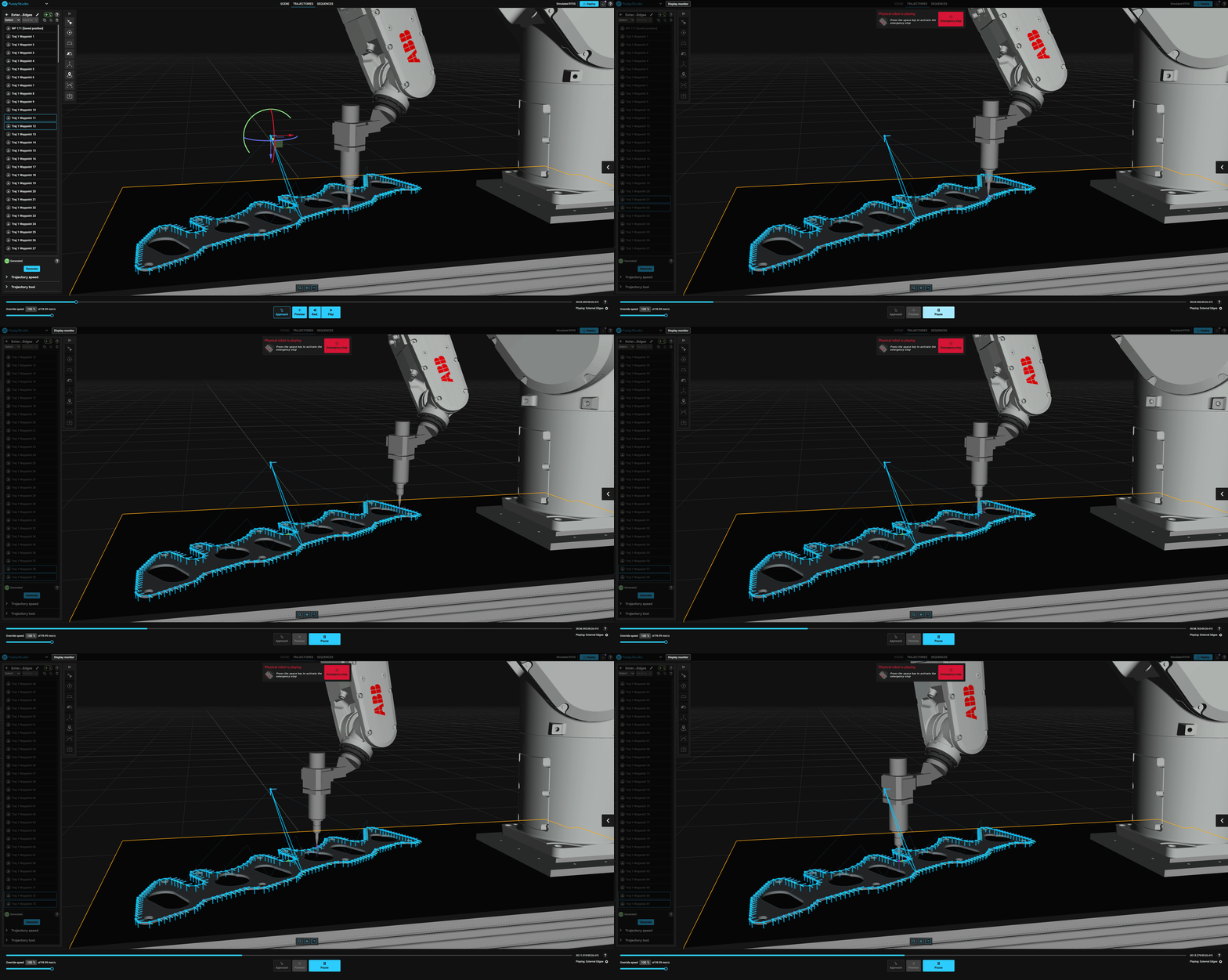
changelog 5.0

Fuzzy Studio and Fuzzy RTC 5.1 introduces a new calibration tool, smarter workpiece management, and improved trajectory and motion control.
Fuzzy Studio and Fuzzy RTC now officially support Fairino robots, with the Fairino FR10 model available in this release. Similarly, for any brand supported by Fuzzy Studio, additional Fairino models can be added on demand.

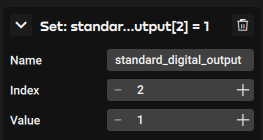
Robot inputs and outputs for all brands except Stäubli, can now be embedded directly within trajectories and sequences. This addition allows synchronization between motion and process control, for example, activating tools, sensors, or peripheral devices at specific points in a trajectory.
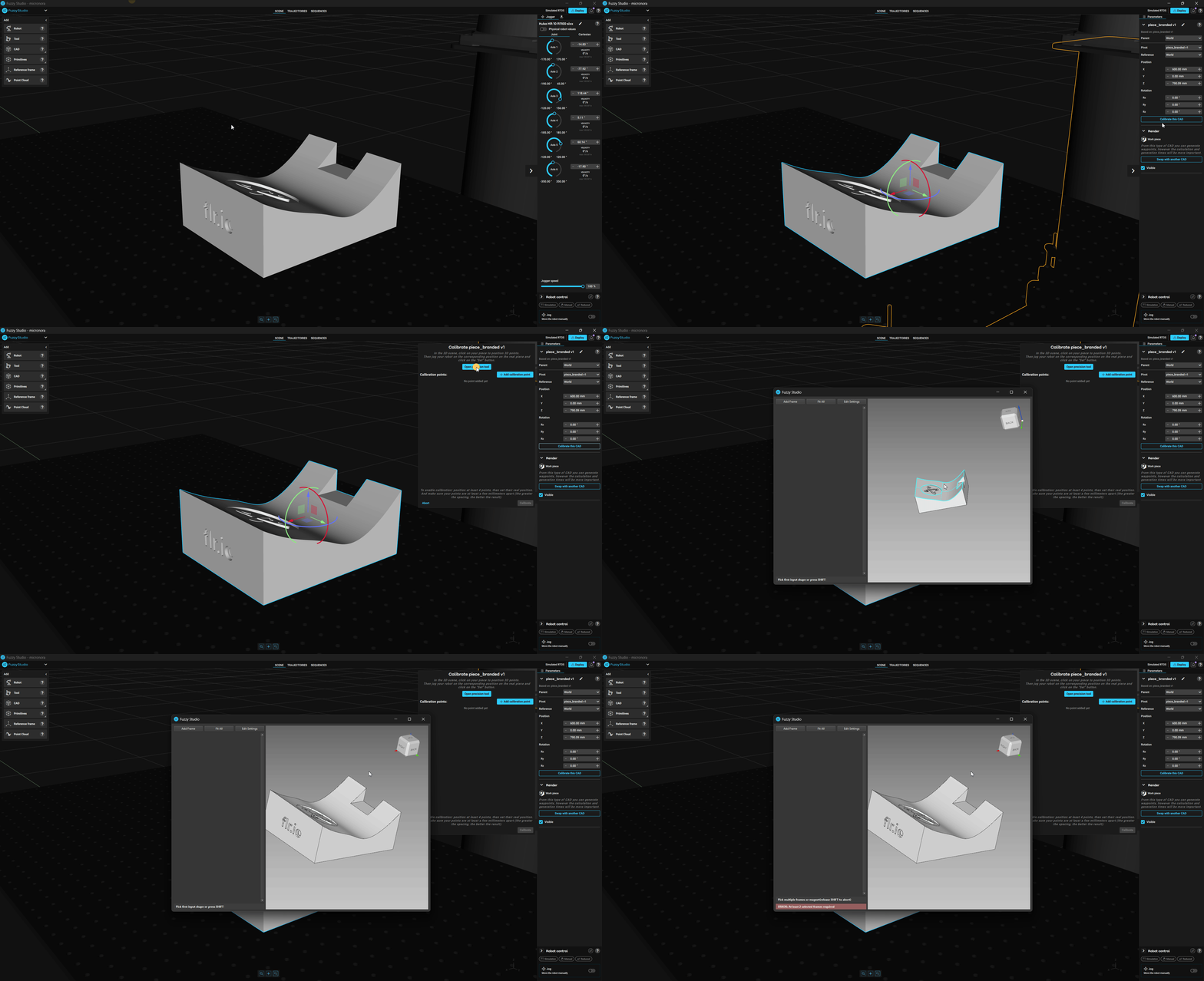
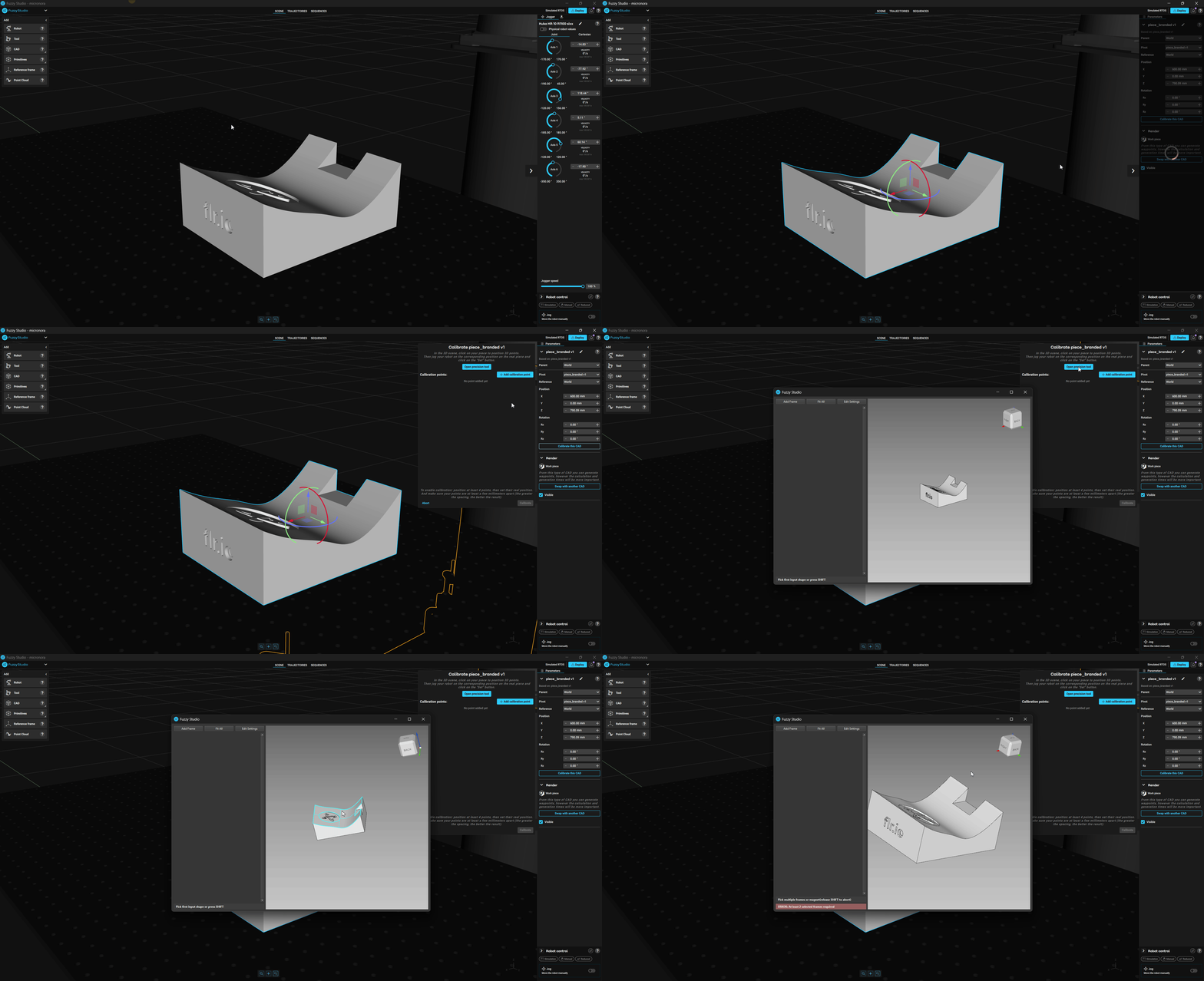
The Calibration Tool lets you align a workpiece in your scene with its real-world position relative to the robot. By defining points on the virtual workpiece and jogging the robot to the corresponding real positions, Fuzzy Studio automatically computes the transformation needed for precise alignment.
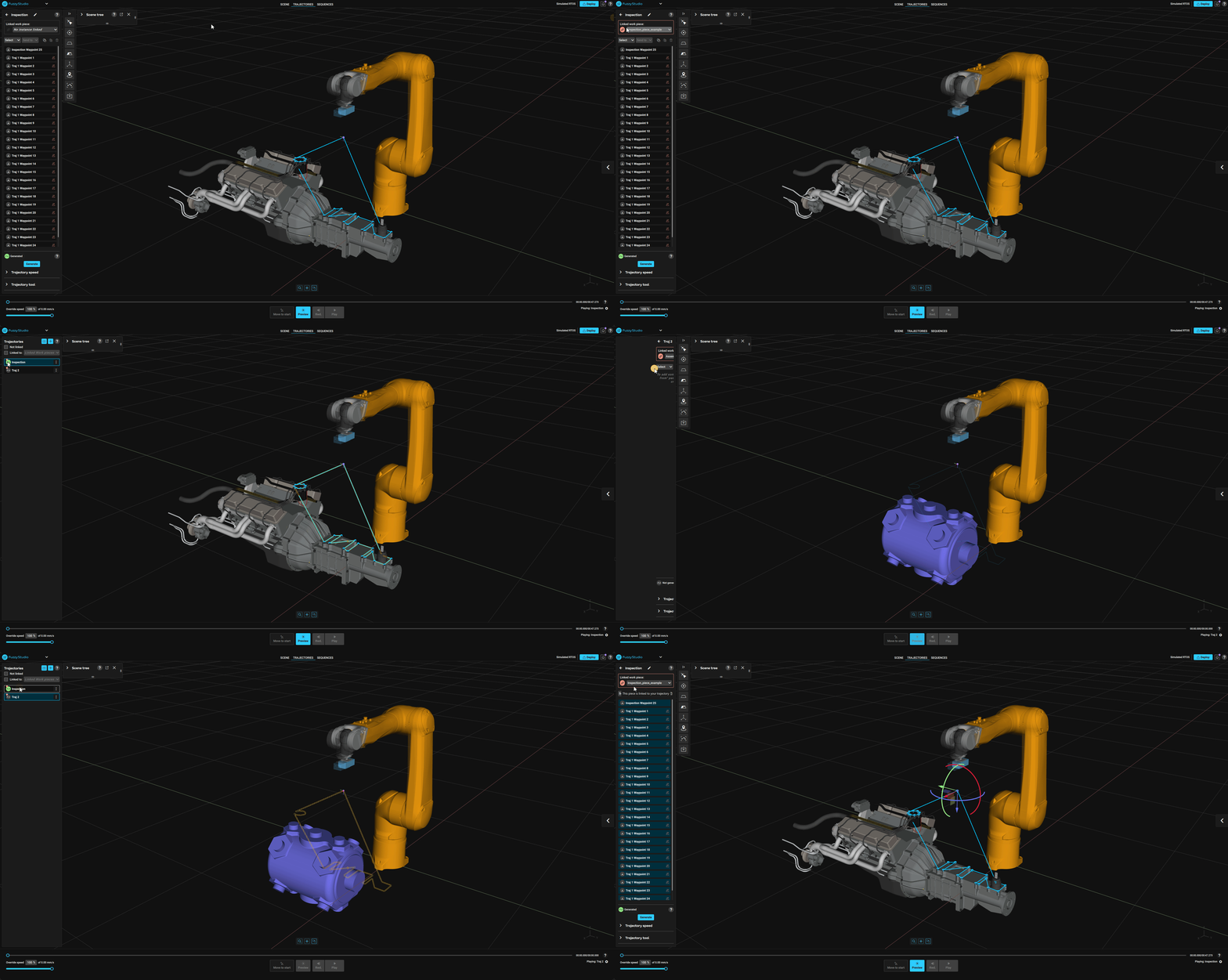
You can now link a workpiece directly to a trajectory.
This feature improves object management in projects containing multiple workpieces by ensuring that only the relevant workpiece is displayed when editing its associated trajectory.
When a trajectory is selected, Fuzzy Studio automatically shows only the linked workpiece, keeping the scene uncluttered and improving performance on large projects. This allows users to import many workpieces without overwhelming the scene or slowing down navigation.
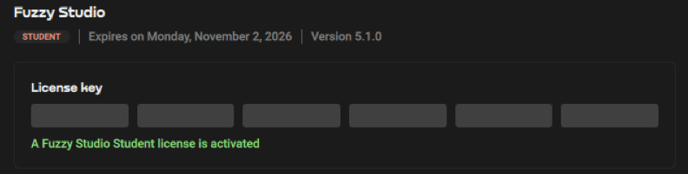
A new licensing system is now available with the introduction of new licence types such as Trial, Student, Academic, Professional, and Runtime licenses.
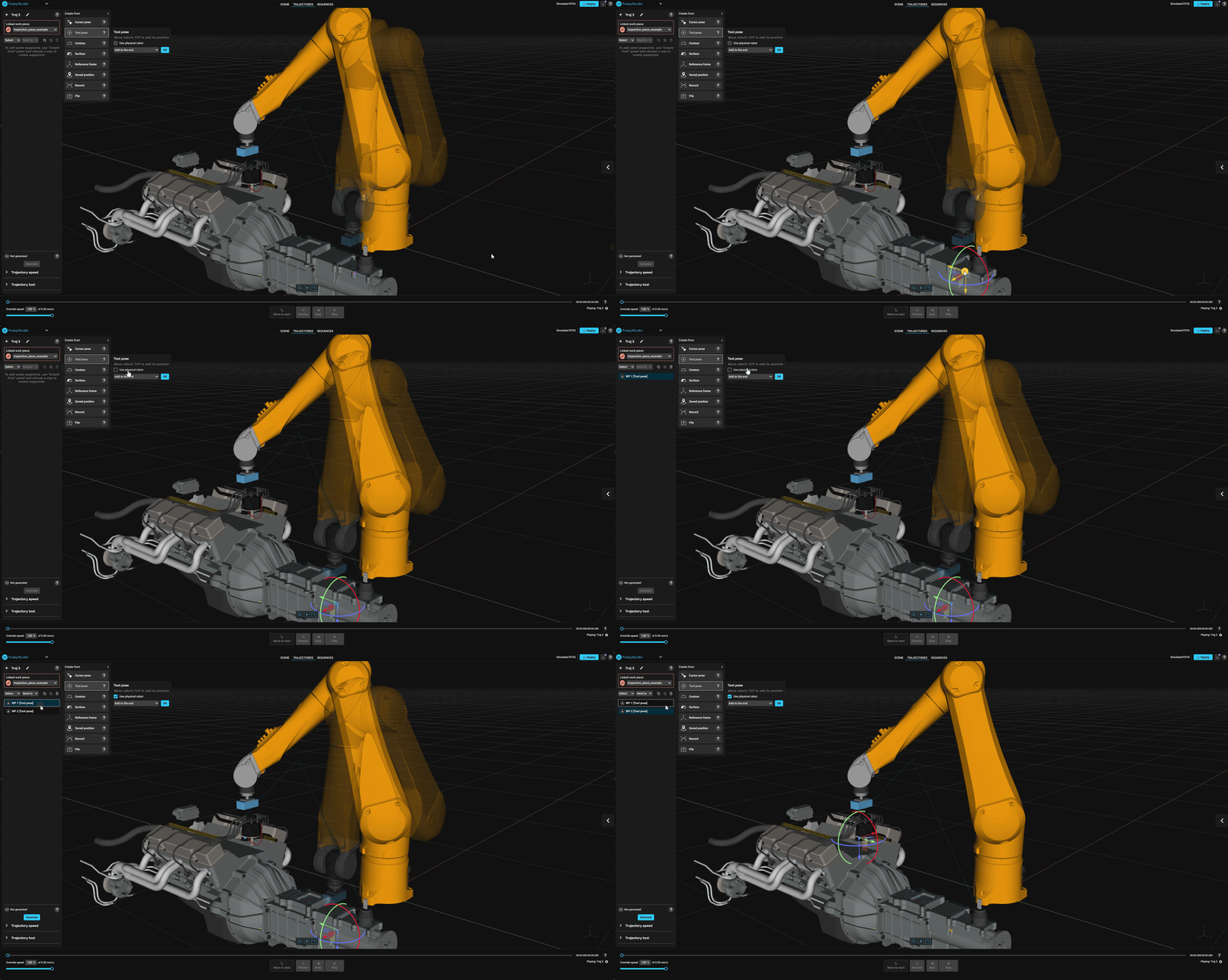
A new reference selection option is now available when importing or exporting trajectories, improving consistency across projects.
The Tool pose and Record generators allow switching between the physical robot or ghost robot.
Waypoints can be updated directly from the robot’s current pose.
CIRC path available
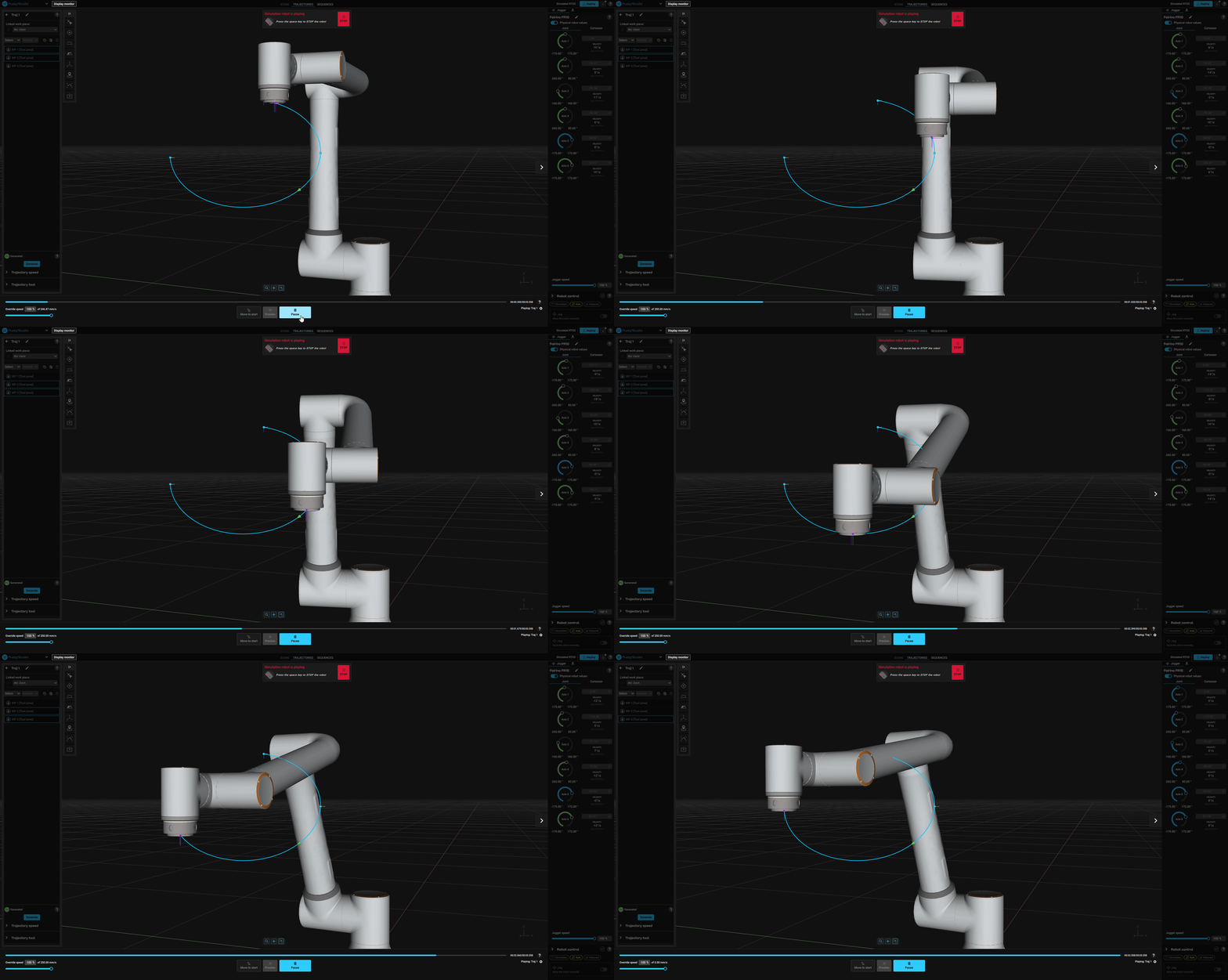
Circular motion (CIRC) paths are now supported, allowing smooth and precise circular trajectories for welding, painting, and curved path applications.

Speed limits below 1 mm/s are now configurable.
Fuzzy Studio now detects collisions between trajectories and imported Point Clouds, improving safety and enabling virtual validation against 3D-scanned environments.
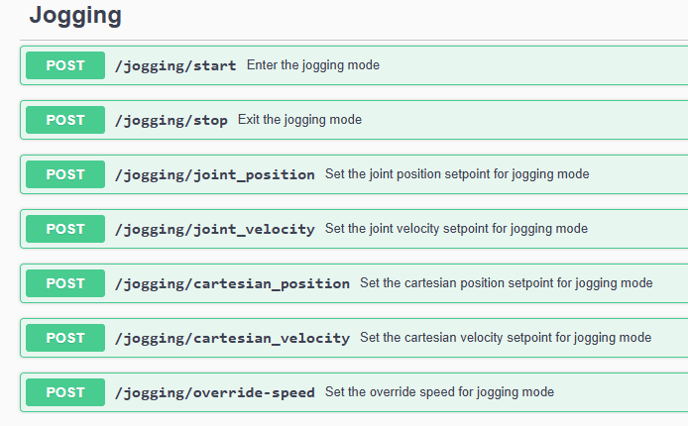
The new jogging endpoint in API v3 allows remote motion control directly through REST calls, simplifying manual robot positioning from external interfaces or scripts.
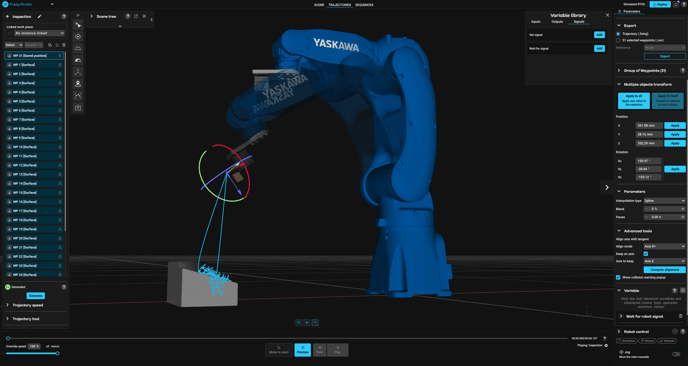 Fuzzy RTC now officially supports Yaskawa and Kuka controllers I/O, expanding compatibility with some of the most common industrial robot brands.